GPS Geofencing
Validate attendance based on configured work locations.
Case Study
Bijelic TimeTrack is a full-stack employee time tracking platform built from scratch for real-world workforce management.
Traditional employee time tracking can become difficult to manage when attendance, work locations and reporting need to be handled across multiple employees and locations.
The system was designed to provide digital check-in/check-out, location-aware attendance, centralized administration, reporting and reliable operation even when connectivity is unavailable.
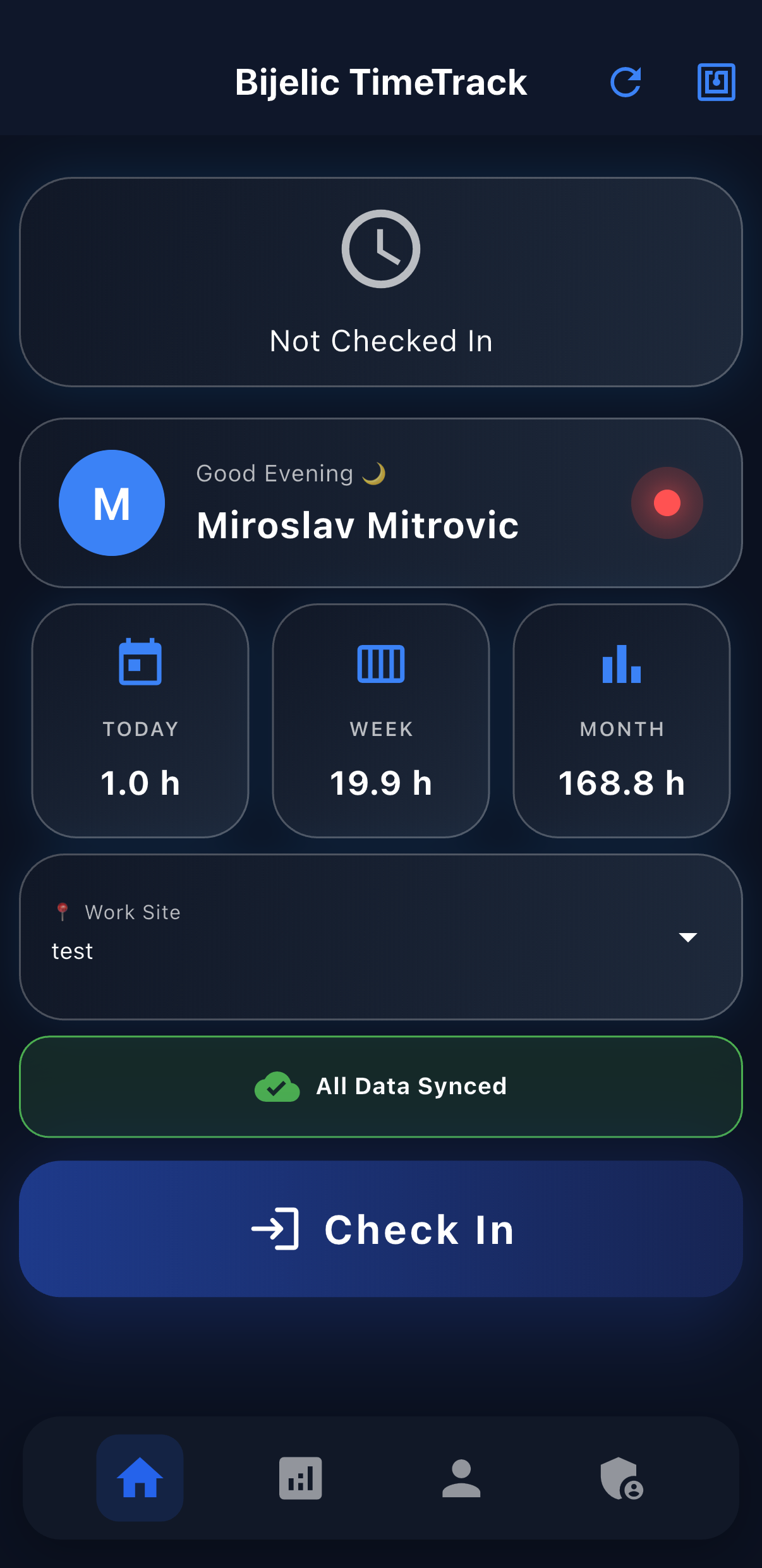
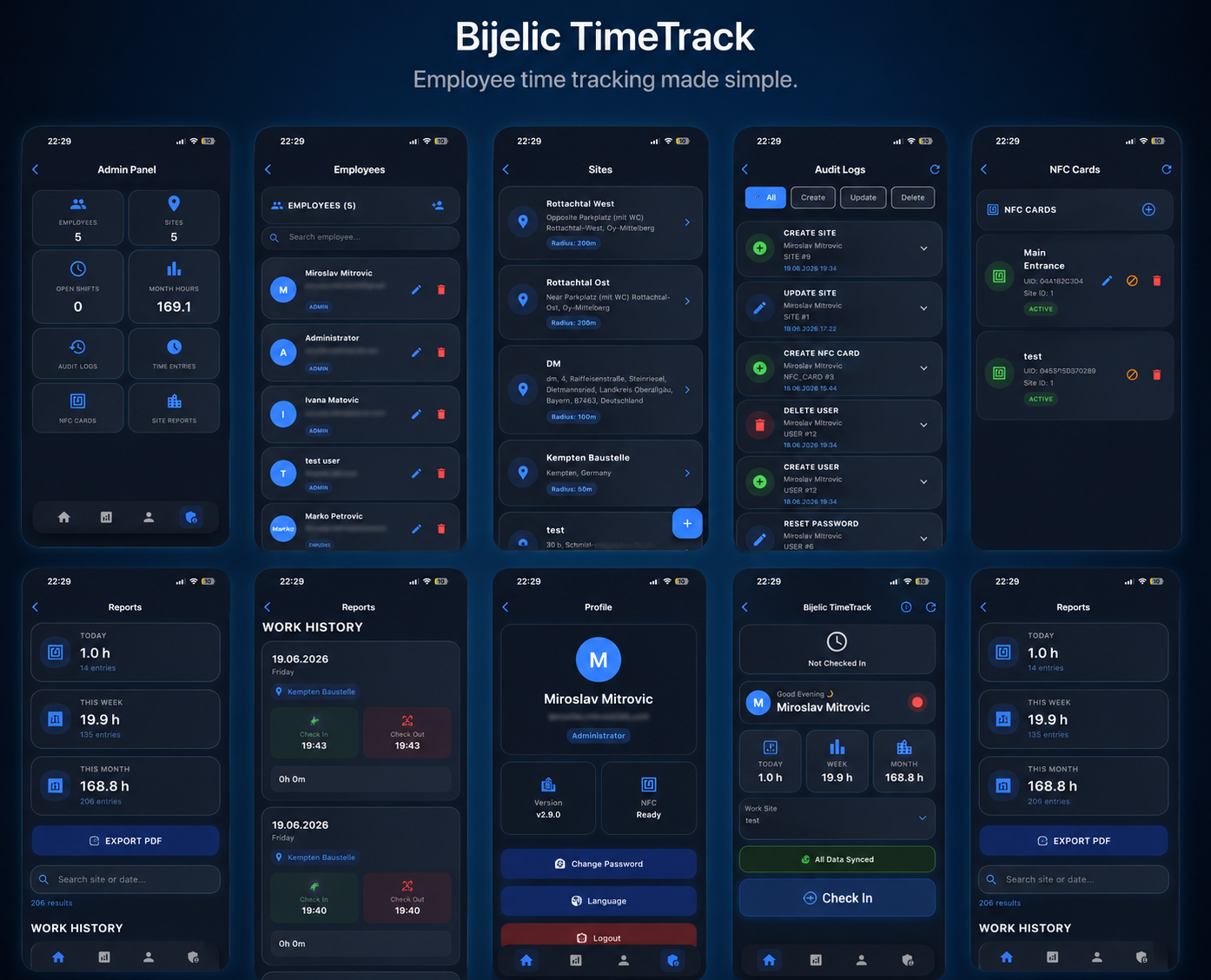
TimeTrack combines a Flutter frontend, Spring Boot backend and PostgreSQL database into a complete full-stack production application. The system includes JWT authentication, role-based access, GPS geofencing, NFC check-in/check-out, offline synchronization, PDF reporting and multilingual support.
Validate attendance based on configured work locations.
Use NFC cards for fast site-based check-in and check-out.
Store attendance actions locally when connectivity is unavailable and synchronize them when the connection returns.
Separate employee and administrator capabilities.
Provide today, week and month reporting together with PDF export.
Support English, German, Bosnian, Serbian and Croatian.
Manage users, sites and attendance-related data through the administration interface.
Secure API access using JWT authentication and refresh tokens.
The application uses a Flutter frontend communicating with a Spring Boot REST API. PostgreSQL provides persistent storage, while Docker containers are used for production deployment behind Nginx on a Linux VPS.
Attendance should not depend entirely on an active internet connection.
Send to API
Store locally
GPS location and site selection are handled as part of the offline workflow so attendance operations can continue reliably.
The application supports NFC-based site identification as part of the attendance workflow.
Geolocation is used to validate whether an employee is within an allowed work-site area before attendance actions are accepted.
Java • Spring Boot • Spring Security • REST API • JWT
Flutter • Dart • Android • iOS • Web
PostgreSQL • JPA • Hibernate
Docker • Linux • Nginx • VPS • SSL
NFC integration
Geolocation • GPS Geofencing
Attendance needs to remain usable when connectivity is unavailable.
Integrating NFC-based site identification into the attendance workflow.
Validating attendance against configured work locations.
Protecting API endpoints while supporting access and refresh tokens.
Running the complete application stack using Docker, Nginx and a Linux VPS.
The application is deployed to a Linux VPS using Docker containers and exposed through HTTPS.
Explore the production application and experience the workflow directly.
Open Live Demo